

Find a token
Open Explore, choose Tokens, and select Liquid staking. Open a token to inspect its market information and the swap card. To add to a holding, open it in Home’s Tokens view.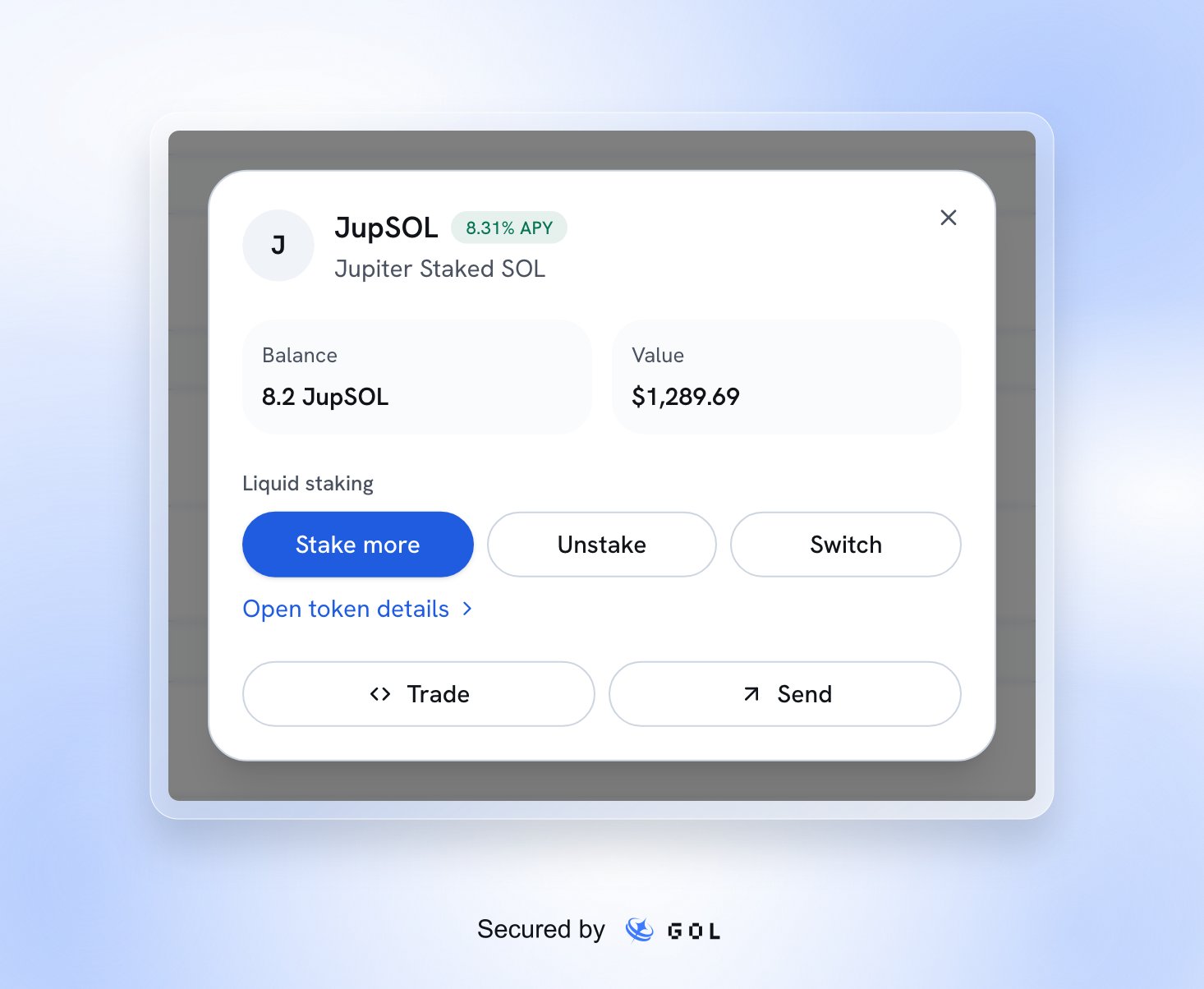
A sample liquid staking holding.
Enter an amount, inspect the quote, minimum received, slippage, and route, then explicitly approve in your wallet. Chat can propose the same actions, but the proposal is not a signature or a receipt. See swaps.
Liquid staking holdings count once in your wallet total. Earnings are estimates based on known swap costs and current prices, exclude fees and external transfers, and can be unknown for tokens bought outside GOL.