

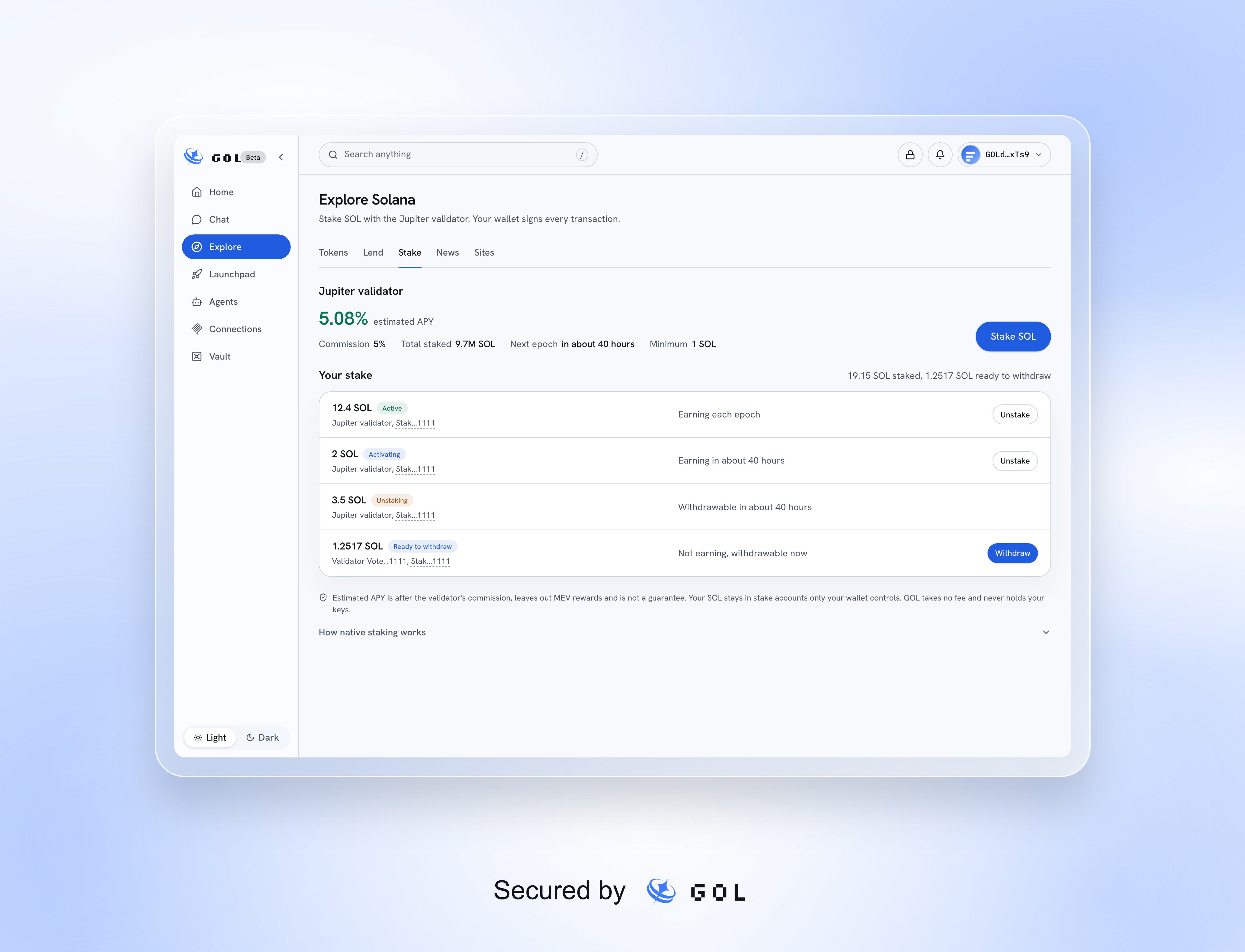
Sample validator figures and stake accounts.
Read the validator summary
The page shows estimated APY, validator commission, total stake, the next epoch, and the minimum stake. Estimated APY is after commission, excludes MEV rewards, and assumes the validator remains online. It is not guaranteed. GOL takes no staking fee. If new staking is paused, the page explains why. Unstaking and withdrawal remain separate actions, subject to their own account and service checks.Stake SOL
1
Connect on Solana
Check your Solana wallet and select Stake SOL.
2
Enter an amount
Native staking requires at least 1 SOL. Leave enough SOL for the stake
account reserve and network fees; Max keeps the required buffer.
3
Review and approve
Select Review stake, check the amount and validator, and choose
Confirm in wallet. The app checks and simulates the prepared transaction
before signing.
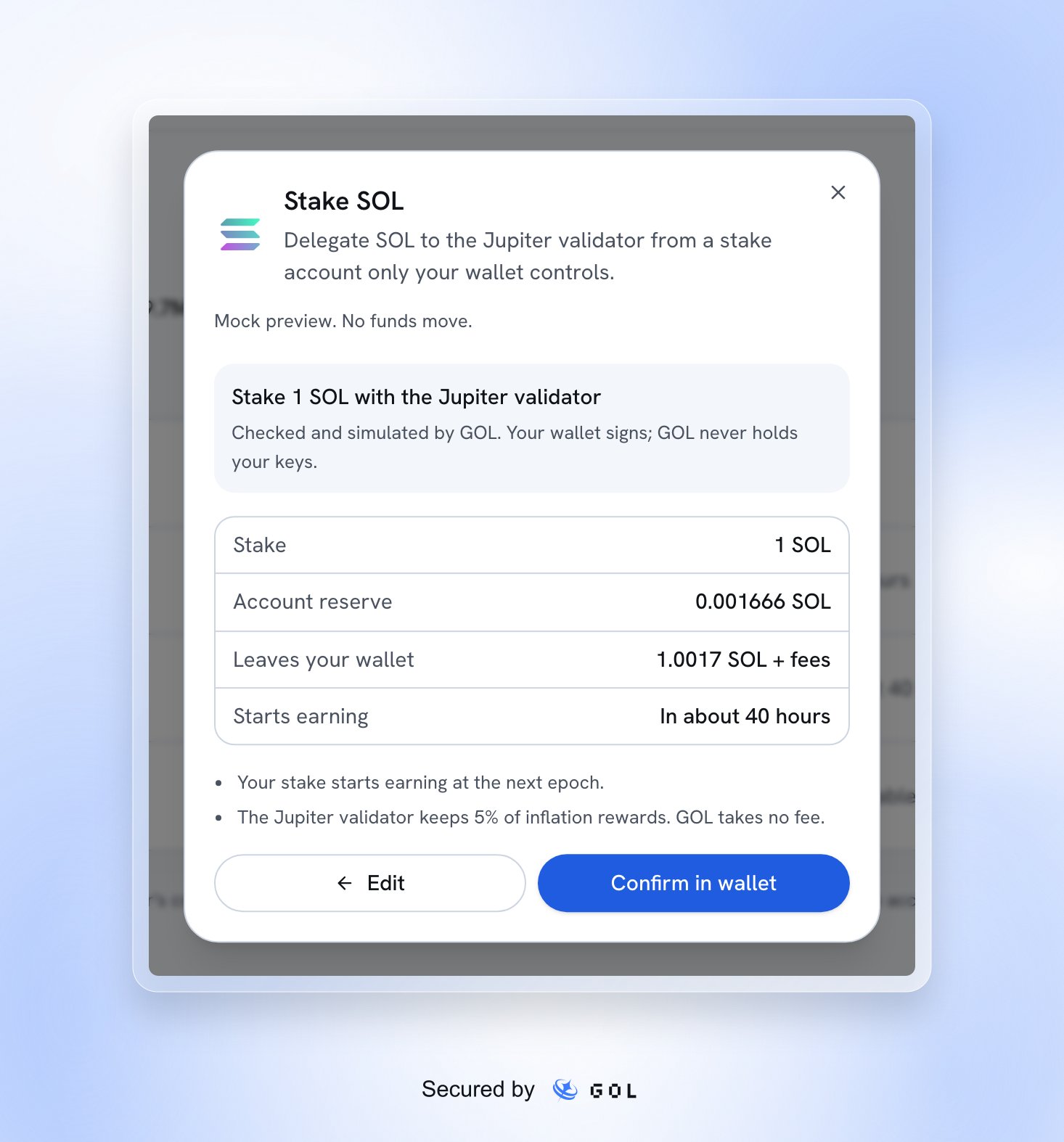
A sample native staking review.
Follow the lifecycle
Select Unstake for an eligible active or activating account. When it becomes withdrawable, select Withdraw and review the transaction. Withdrawal returns the account’s whole available balance to your wallet and closes it. The reserve is returned on full withdrawal.
Activation and unstaking follow Solana epoch boundaries, roughly every two days. The displayed estimates do not model every network warmup or cooldown limit, so they are not exact completion times.
Your stake can include accounts created outside GOL if your wallet holds their withdraw authority. Home lists them under Positions; the wallet history chart does not include native stake history yet.
Choosing another validator, splitting, merging, redelegating, and reactivating stake accounts are outside this page’s controls. Live wallet and device testing is incomplete. If the service or simulation is unavailable, do not proceed; if a send is uncertain, inspect the existing transaction before retrying.