

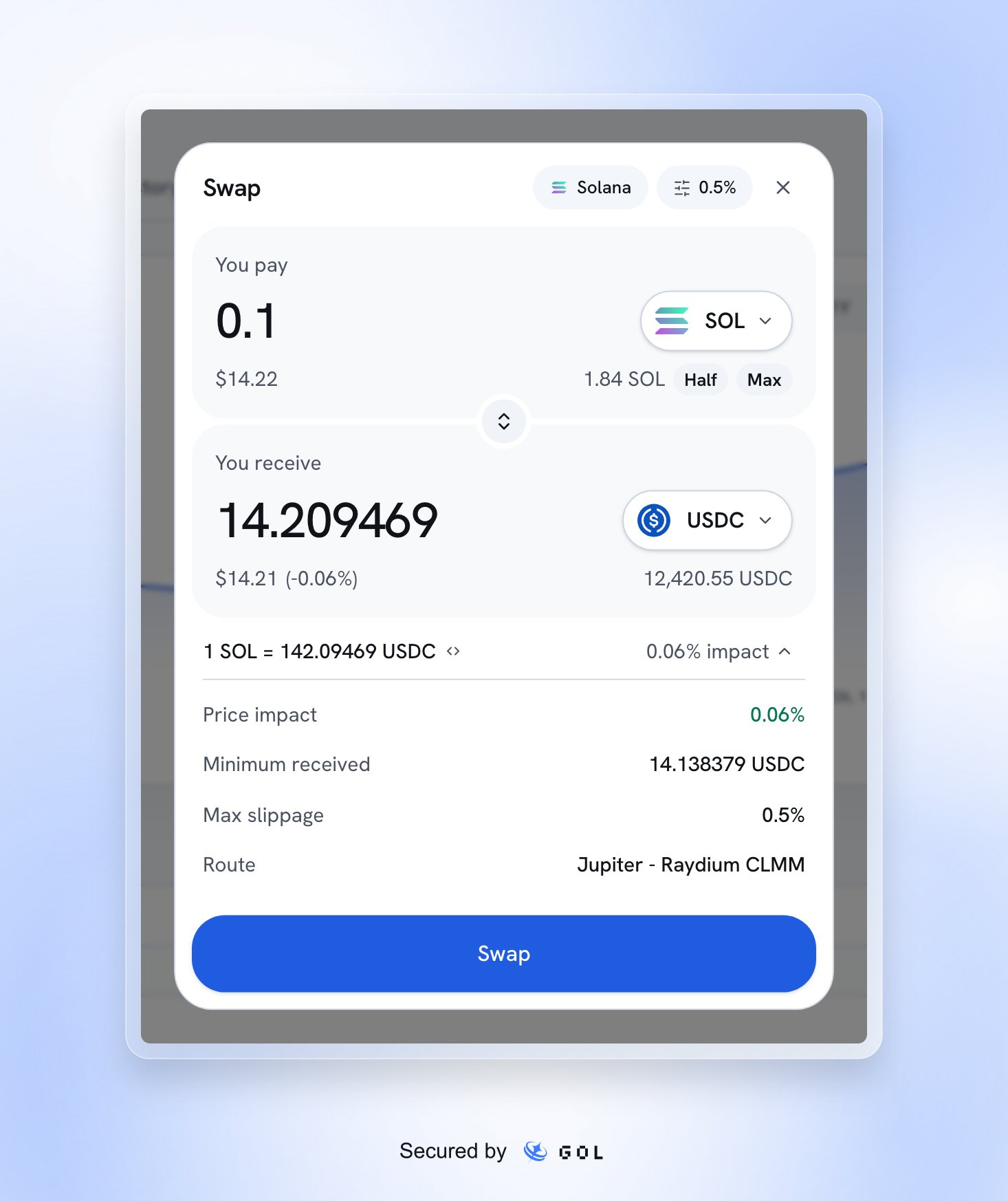
A sample Solana quote in the current Home swap dialog.
Review a swap
1
Choose the pair and amount
Pick the token under You pay and the token under You receive. Flip
the pair with the arrows. Enter an amount, or use Half or Max. Keep
enough native coin for network fees.
2
Check the quote
Open the quote details to inspect Price impact, Minimum received,
Max slippage, and Route. A displayed estimate can change before you
submit. The reviewed minimum received is the lower bound the swap must
honor.
3
Approve in your wallet
Select Swap. The app builds and checks the transaction before asking you
to sign. A failed check or simulation stops the flow. If a new quote cannot
honor the reviewed minimum, review a fresh quote before signing.
4
Read the outcome
Follow the build, wallet-signing, send, and confirmation steps. Use the
explorer link when a transaction identifier is available. Only a confirmed
result establishes completion.
Slippage and price movement
Use the percentage control to set the maximum slippage offered by the app. More slippage permits a worse execution price. Compare the minimum received and price impact before submitting; do not rely on the headline estimate alone.If you cannot swap
Base swaps can remain unavailable even while an agent trading service is enabled. Treat the action’s readiness checks as decisive. The UI alone is not a promise of live settlement.